
GUIDE / BROWSER DEMO
Explore the live demo
A short tour of the Home Edition. Explore the workflows yourself. Every device, address and disk is fictional.
Getting started
Open the live demo. Select Take a tour for a guided walkthrough or explore the interface freely. The demo interface is in English.
Find a fictional NAS and its iSCSI targets.
Preview connection and LUN publication.
Inspect disk status, volumes and access.
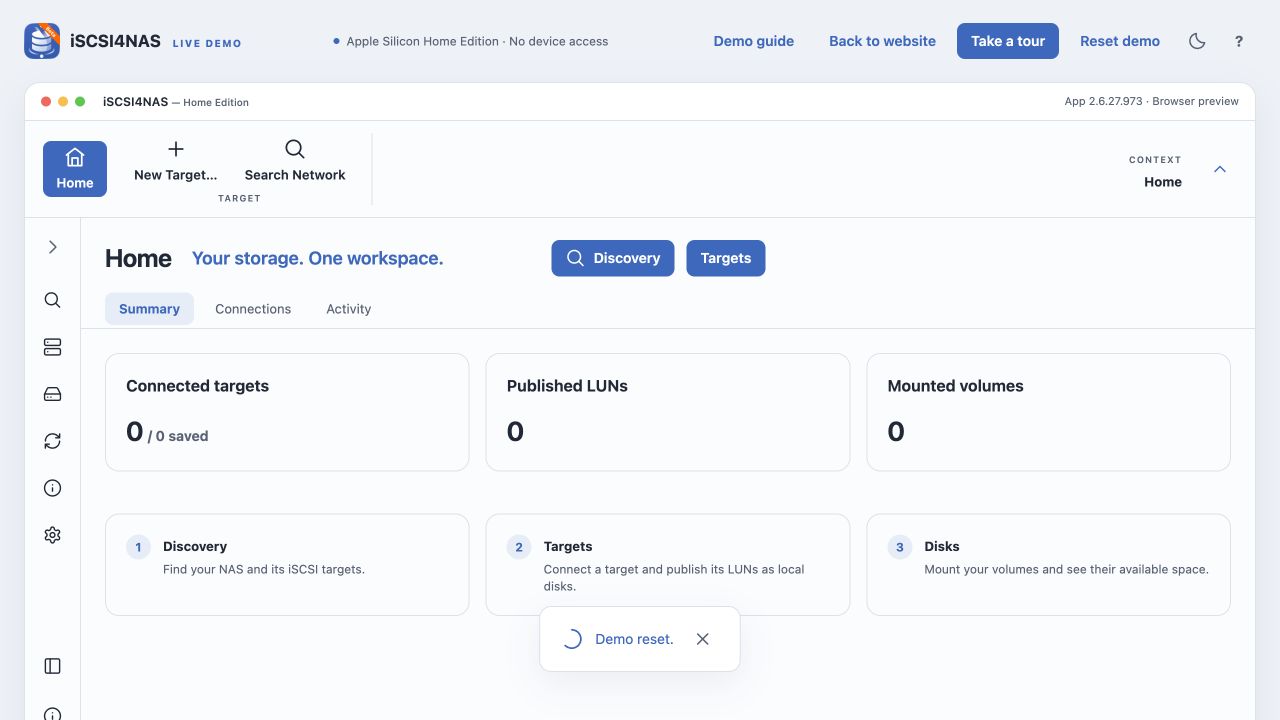
Find a NAS
Select Discovery and then Search your NAS. Search uses only a local catalog of fictional NAS devices. Atlas, Studio and Lab demonstrate different ports and targets. Deep Scan accepts a private example range.
atlas.local:3260studio.local:326110.42.0.0/23fd42::/120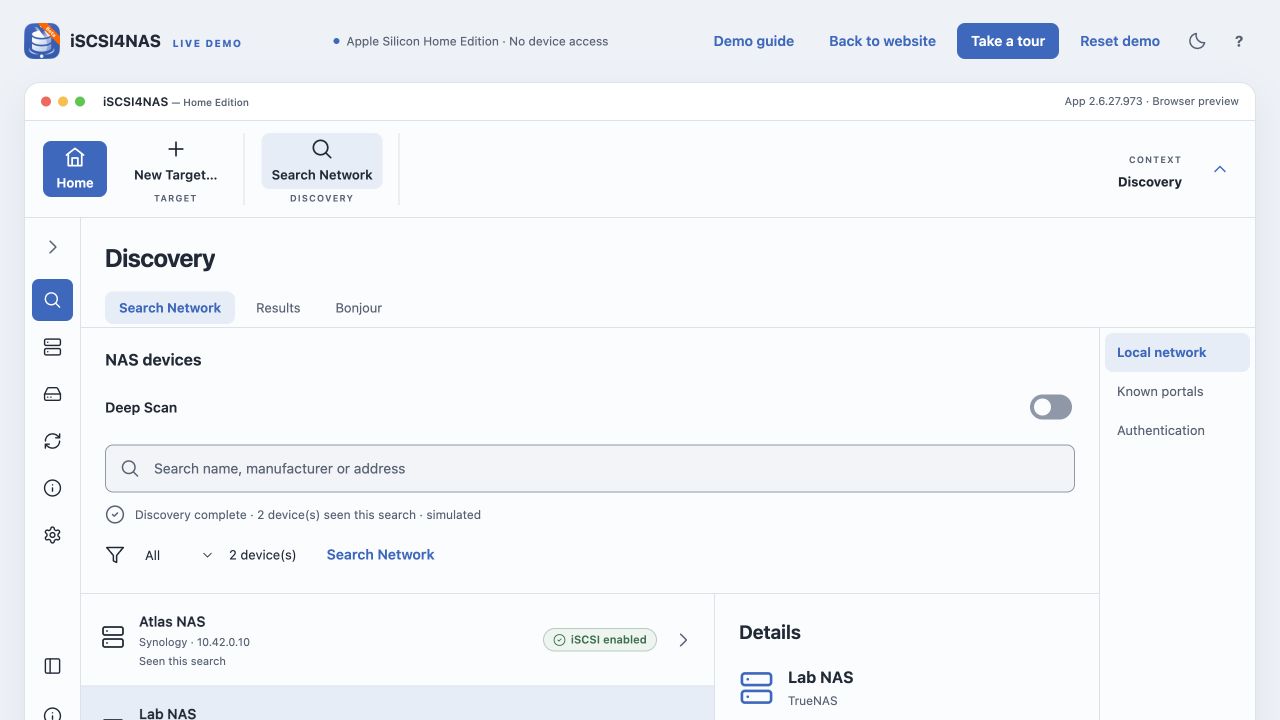
Target and LUN
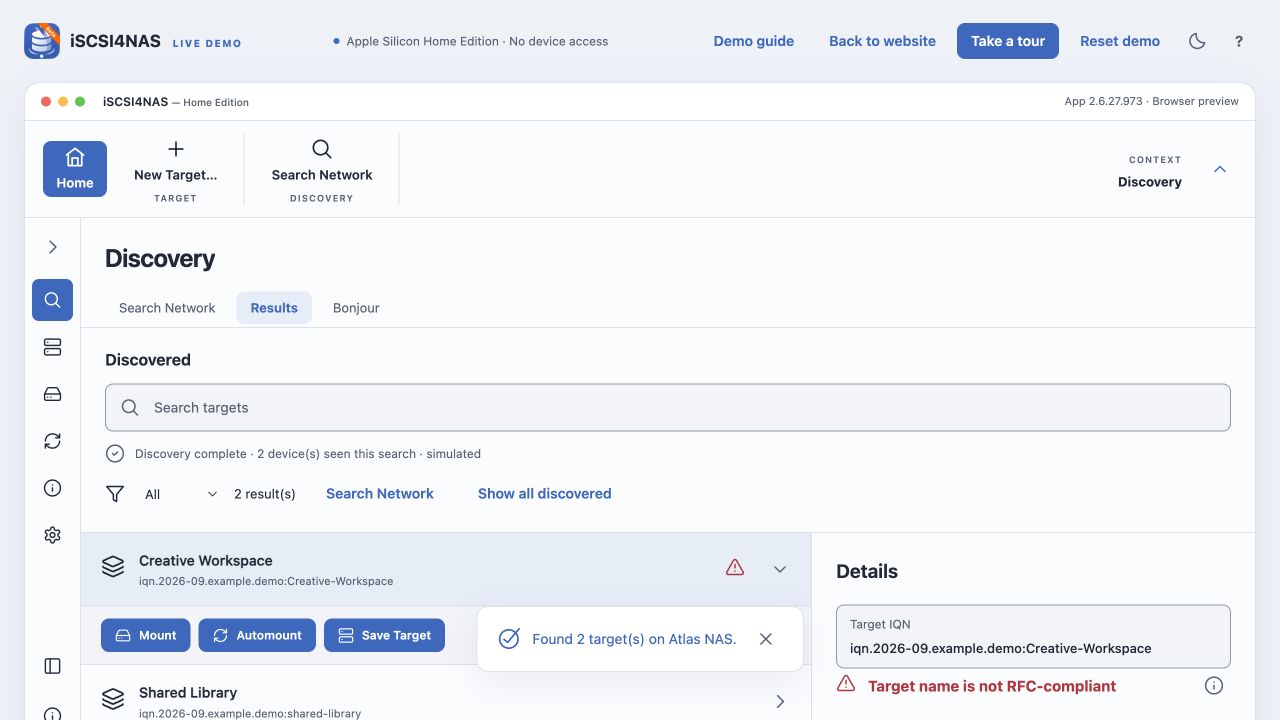
Open the targets on Atlas NAS. Creative Workspace demonstrates the path from target to published LUN. The example IQN warning shows how the interface surfaces a nonconforming target name.
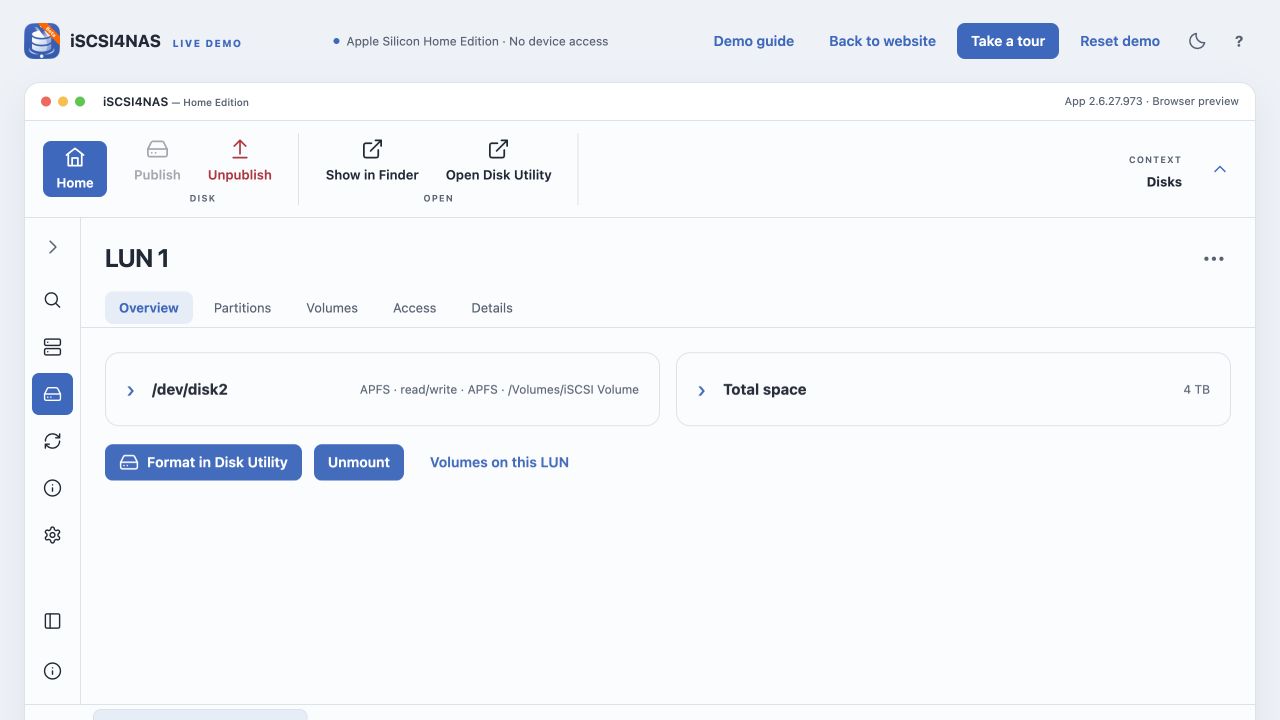
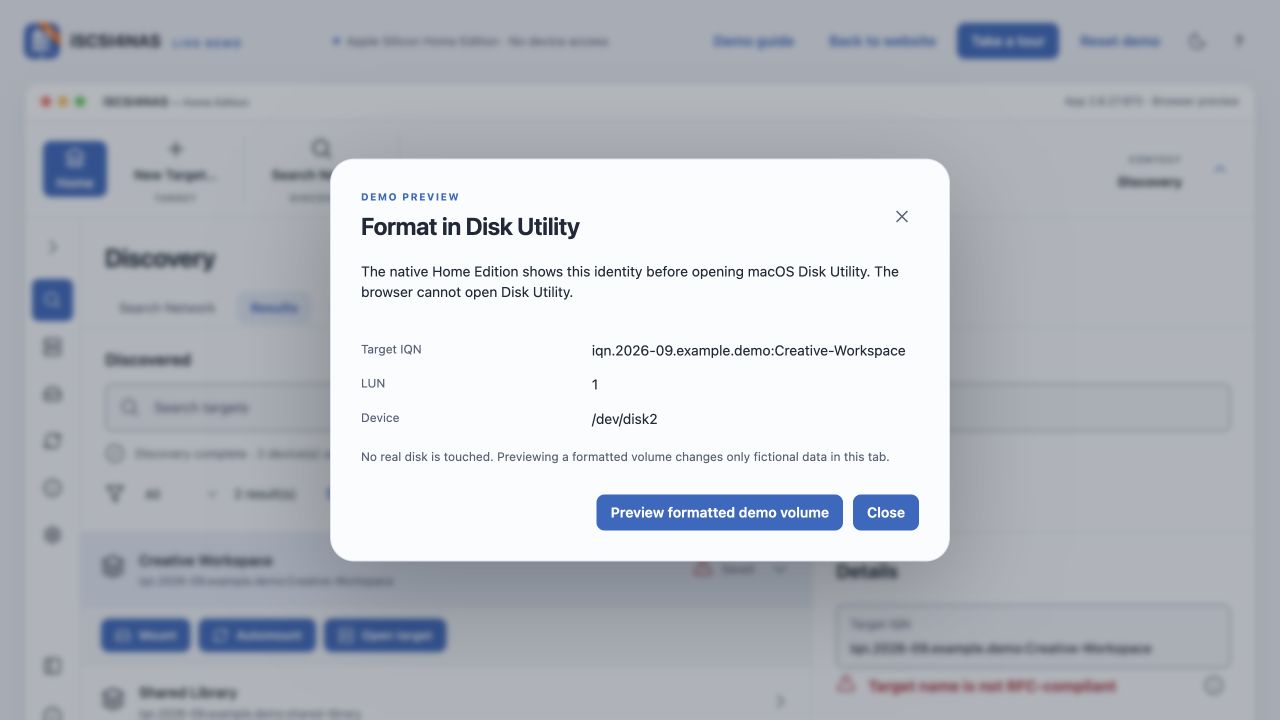
For an unformatted demo LUN, Format in Disk Utility first shows the target IQN, LUN and /dev/diskN. The native Home Edition then opens macOS Disk Utility. The browser can only preview a clearly fictional formatted volume.
Settings
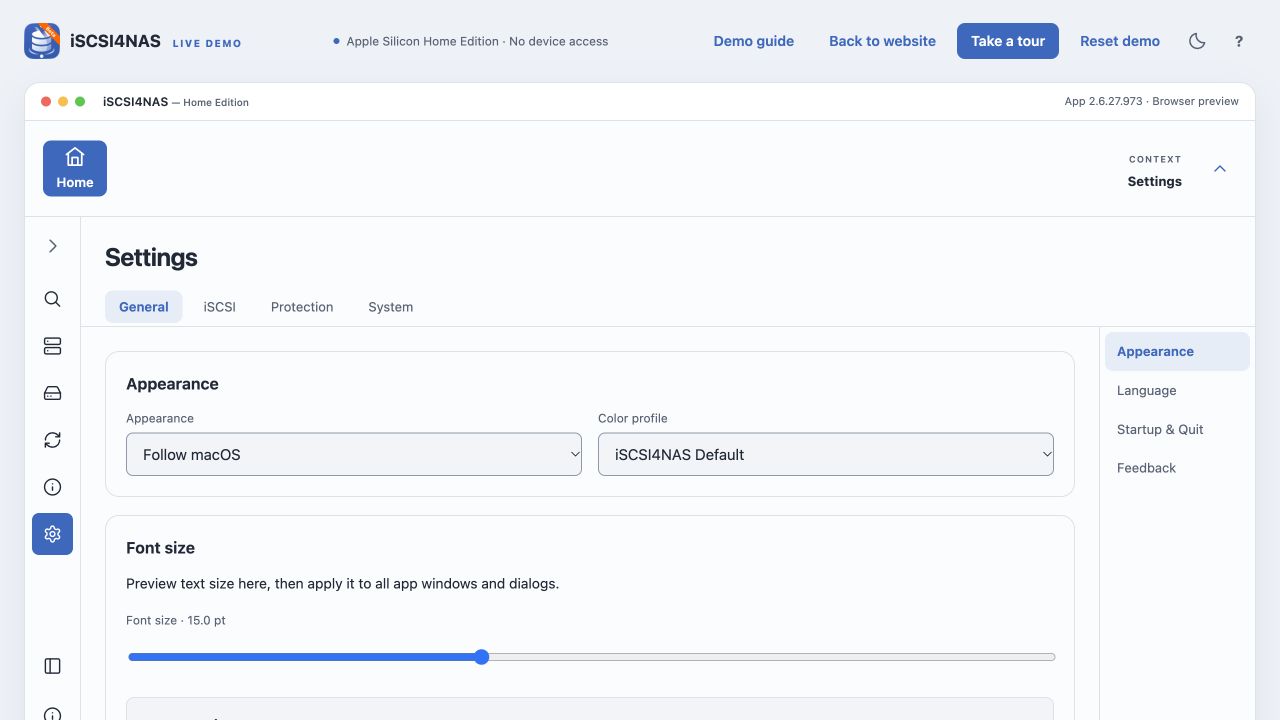
Settings contains General, iSCSI, Protection and System. Under General → Feedback you can simulate participation and the Feedback tab then appears. Explore appearance, iSCSI ports and diagnostic paths. Changes last only in this browser tab.
Demo boundaries
This page contains no native driver or iSCSI client. It performs no NAS discovery, network probing, disk operation, Keychain access or installation. Reload or Reset demo clears its state. Only an explicit export action downloads a local JSON file.
The demo shows the Home Edition interface. The iSCSI4NAS product also supports Intel Macs, but the browser demo does not prove native runtime behavior on a Mac.